Text search in photos
A few remembered words can lead you back.
AI Gallery by Cooke Studio can search recognizable text in photos on your Android phone. Screenshots, receipts, signs and photographed notes can all provide clues. Basic text search is free, with recognition and retrieval performed on-device.
Get it on Google Play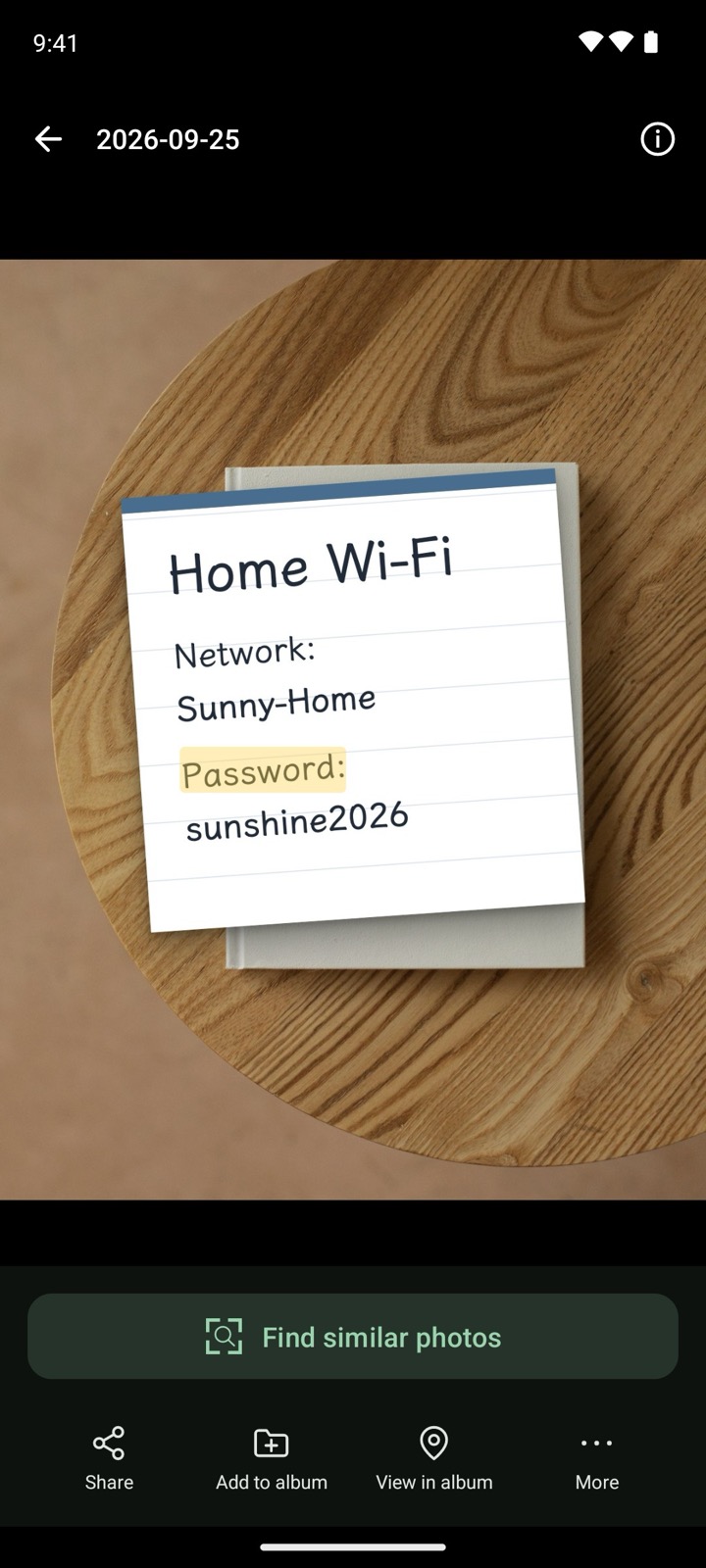
The current interface may differ.
Find a photo using words inside it
- Grant access to the relevant photos and let the app prepare its index.
- Check that the option to search text in photos is enabled in the app.
- Enter a clearly visible keyword: a shop name on a receipt, a sign, or “Wi-Fi” on a photographed note.
- Open a candidate photo and check the original. Use the photo text-recognition and copy feature when you need to extract words.
When should I use text as a clue?
Use words when you remember what an image says: a merchant on a receipt, a screenshot title or text on a menu. This provides a different clue from searching by a scene description.
The example image uses a demo note, not real account details. Whether words can be found still depends on indexing and successful text recognition.
Why might some words be missing?
Blur, small text, rotation, occlusion and complex backgrounds can affect recognition. Photos outside the granted access scope or an unfinished index also affect results. Try another clear keyword and check the original image.
Do not treat extracted amounts, account details or other important information as automatically correct. Recognition is not guaranteed for every language, font or handwritten note.
Connectivity and Plus
Basic text search in photos does not require Plus. Recognition and retrieval take place on-device; initial resource preparation may require internet access. Advanced album and date-range restrictions require Plus. See the product facts.
A few good questions
Can I search text inside screenshots?
Yes, if the screenshot is accessible to the app, indexed and its text can be recognized. Clarity, text size and indexing progress affect results.
Does text search require Plus?
Basic text search in photos is free. Advanced options such as restricting a search to selected albums or a date range require Plus.
Can I rely on extracted text without checking it?
Every character is not guaranteed to be correct. Check amounts, account details and other important information against the original, especially in blurry images or small text.